
How to Install a WordPress Plugin (Beginner Friendly Guide)

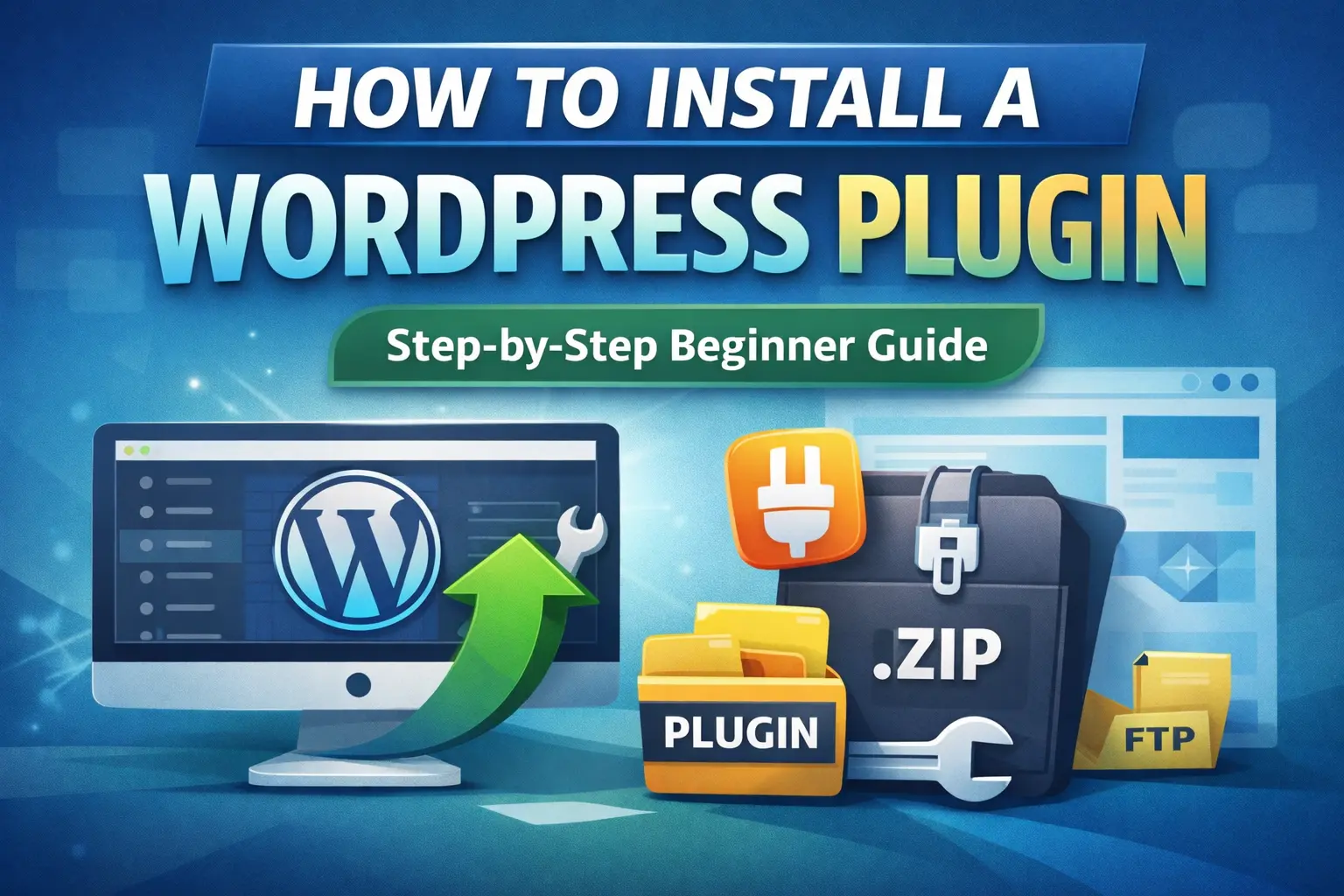
What is a WordPress Plugin?
A plugin is a small software tool that adds new functions to WordPress. Examples include contact forms, SEO, security, speed plugins, and ecommerce plugins.
Before You Start
Make sure you have WordPress admin access, internet connection, and a plugin name or zip file.
Method 1: Install from WordPress Dashboard
1. Log in to wp-admin.
2. Go to Plugins → Add New.
3. Search for a plugin.
4. Click Install Now.
5. Click Activate.
Method 2: Upload a Premium Plugin (.zip)
1. Go to Plugins → Add New → Upload Plugin.
2. Select zip file.
3. Install and activate.
Method 3: Install Using FTP
1. Extract plugin zip.
2. Connect with FTP.
3. Upload to /wp-content/plugins/.
4. Activate from wp-admin.
Update Plugins Safely
Backup website, update one plugin at a time, avoid outdated plugins.
Common Errors
Upload size exceeded, plugin already exists, invalid file, plugin conflict.


